Digit Edge:
Field survey app design
A tool that enables field surveyors to complete physical vehicle inspections end to end on site, through a structured on-ground workflow.
3.5 Months Timeline
Internal Tool
Team Setup


My Role
To lead the end to end UX and UI for this project.
From making sense of the gathered research data to defining the user journey and designing screens.

Begin Survey
01 Context
What is survey?
The survey stage in a motor insurance claim is where a damaged vehicle gets inspected by an appointed surveyor or assessor to assess the damage, and estimate repair costs before any repairs begin.
Survey is also where fraud gets caught. Because sometimes, people 'accidentally' try to claim for that 5-year old bumper scratch that existed long before the policy. Nice try ;)

1
Survey at Digit
Survey at Digit happens in both remote and physical way. I designed the system for remote survey a year ago on 'Digit Care', a desktop web app where the Surveyor sits in the office and inspects the vehicle at the workshop through a video call. Physical Survey process was untouched.
Have a look at what's the difference between the Remote Survey and On-Field Survey at Digit:
If Claim Value
< ₹50,000
If Claim Value
> ₹50,000


On-field Survey
Surveyor visits the Workshop
Surveyor travels to the workshop
Bigger claims get closer, in-person attention for detailed assessment.
Photos clicked on the phone
Straight from the workshop floor, photos go to the surveyor's phone gallery.
AI-Assisted Backend
Severity check
How bad the damage is, part by part.
Repair suggestion
Repair or Replace, recommended per part.
Cost estimate
A repair estimate, ready before the surveyor asks.


Remote Survey
Surveyor works from Office
Video call with the workshop
The workshop person shows the damaged vehicle live to surveyor on Desktop portal.
Photos captured on the call
Surveyor grabs stills straight from the video feed for the AI to work on.
Slide
Surveyor reviews the AI's call, tweaks the price, bargains with the workshop, and locks the final number.

New claim comes in
2
But what was the problem
The on-field claims requiring a surveyor's visit to workshop, survey closure was slow (6-8 surveys per surveyor per day). Slower surveys meant delay in claims proceeding to next stage.
The general hypothesis was that surveyors had no dedicated tool for the job, so the workflow was fragmented and largely manual. A purpose-built survey tool was the likely fix.
02 Research
Finding the root
1
Validating the hypothesis
My teammate ran the field research, shadowing a surveyor on-site at a workshop, and interviewing three surveyors across different experience levels to see how the workflow actually played out on the ground.
As SPOC, I led interviews with Motor Claims Department managers to understand their view of the problem and the pain points flagged internally.
Here's an overview of the journey of the Surveyor in a Storyboard:
Slide

Surveyor arrives at the workshop. The physical survey day begins.

Surveyor now opens the
app and it has just one job:
Show the claim list.
Surveyor finds the claims
the SPOC mentioned and assigns them to himself.
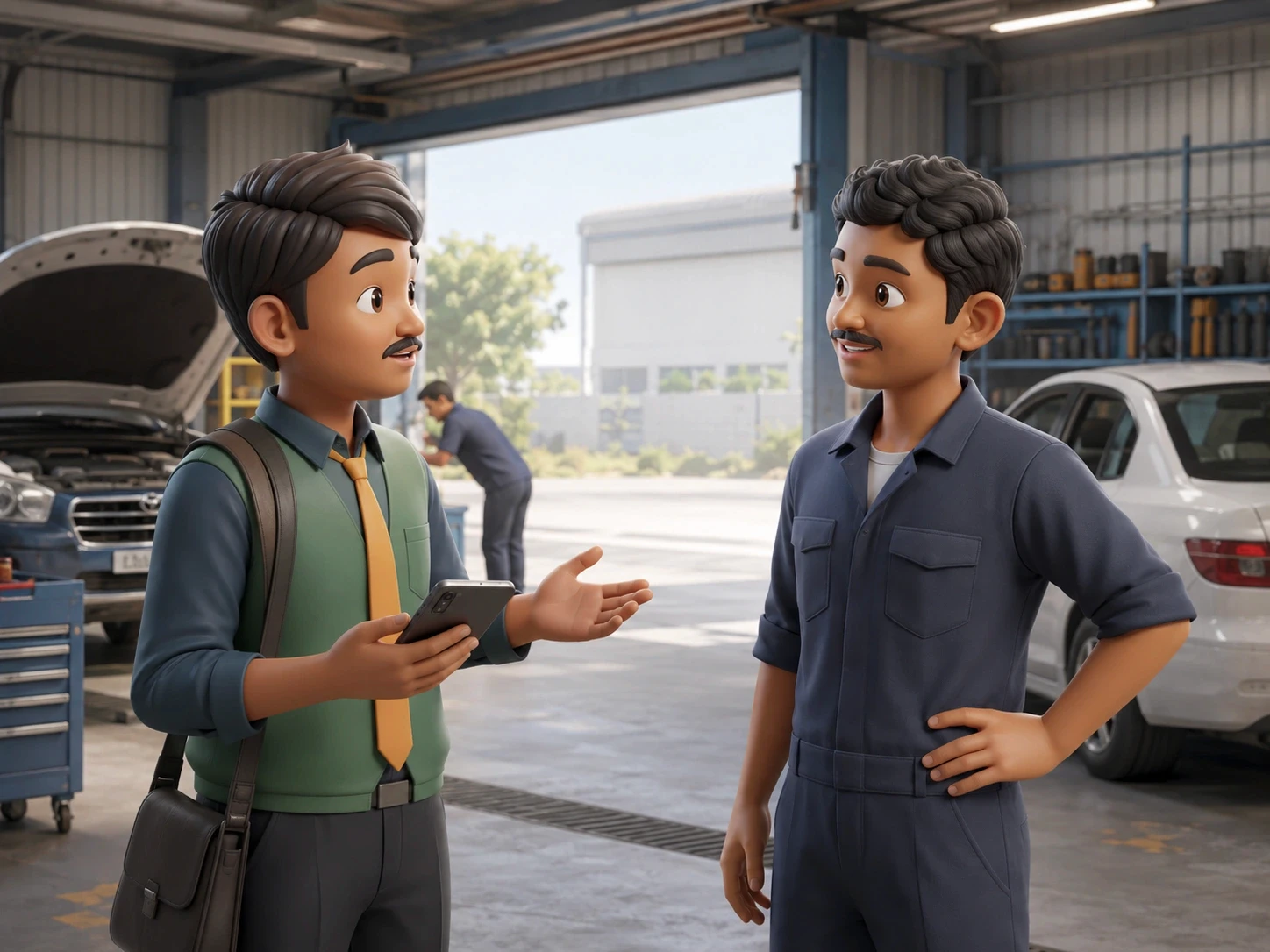
First thing Surveyor does is ask the workshop SPOC which Digit claims are available in garage today, not open the app.
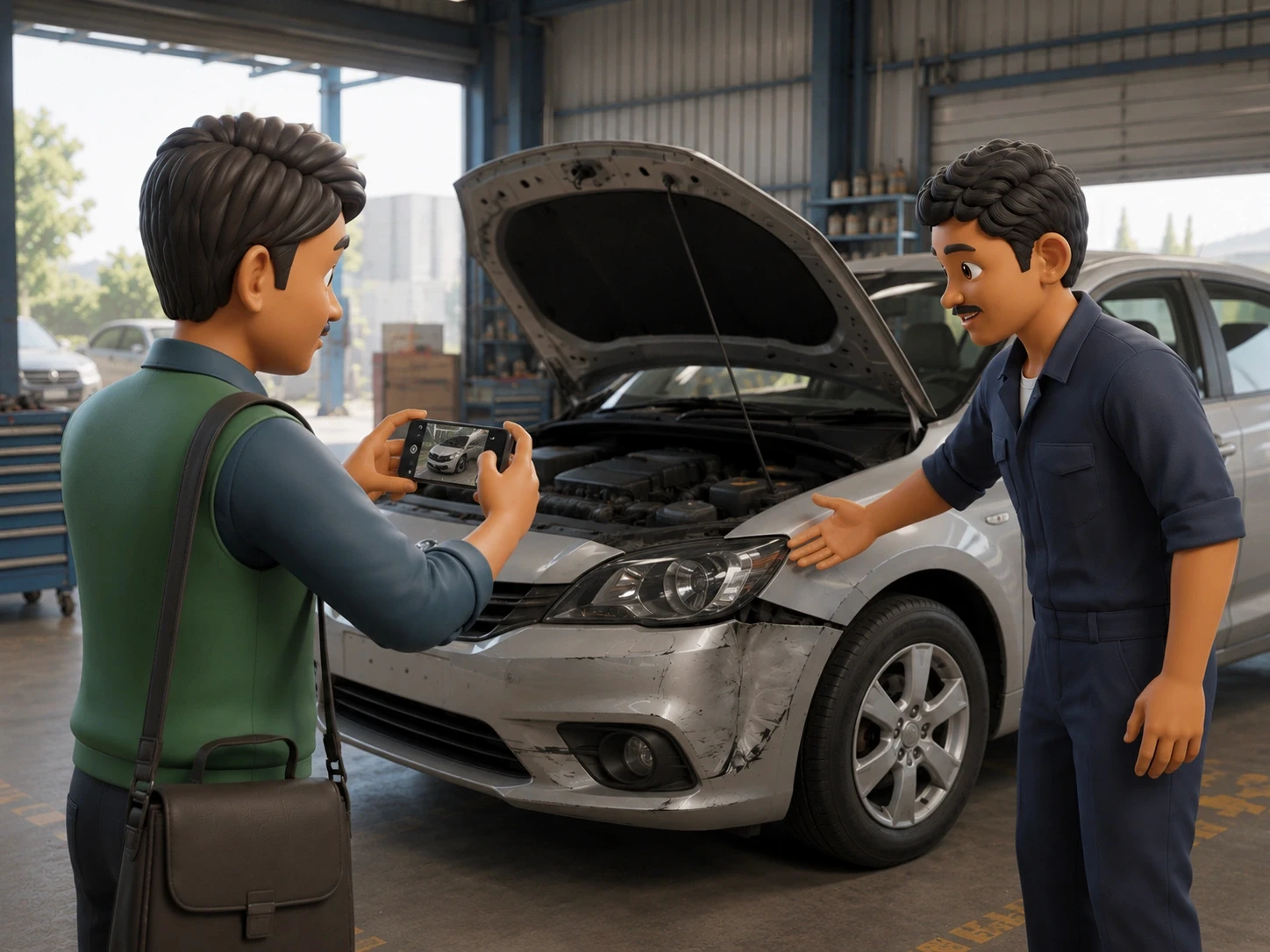
SPOC takes the Surveyor to the first vehicle and Surveyor captures the damage pictures using his phone's camera app.
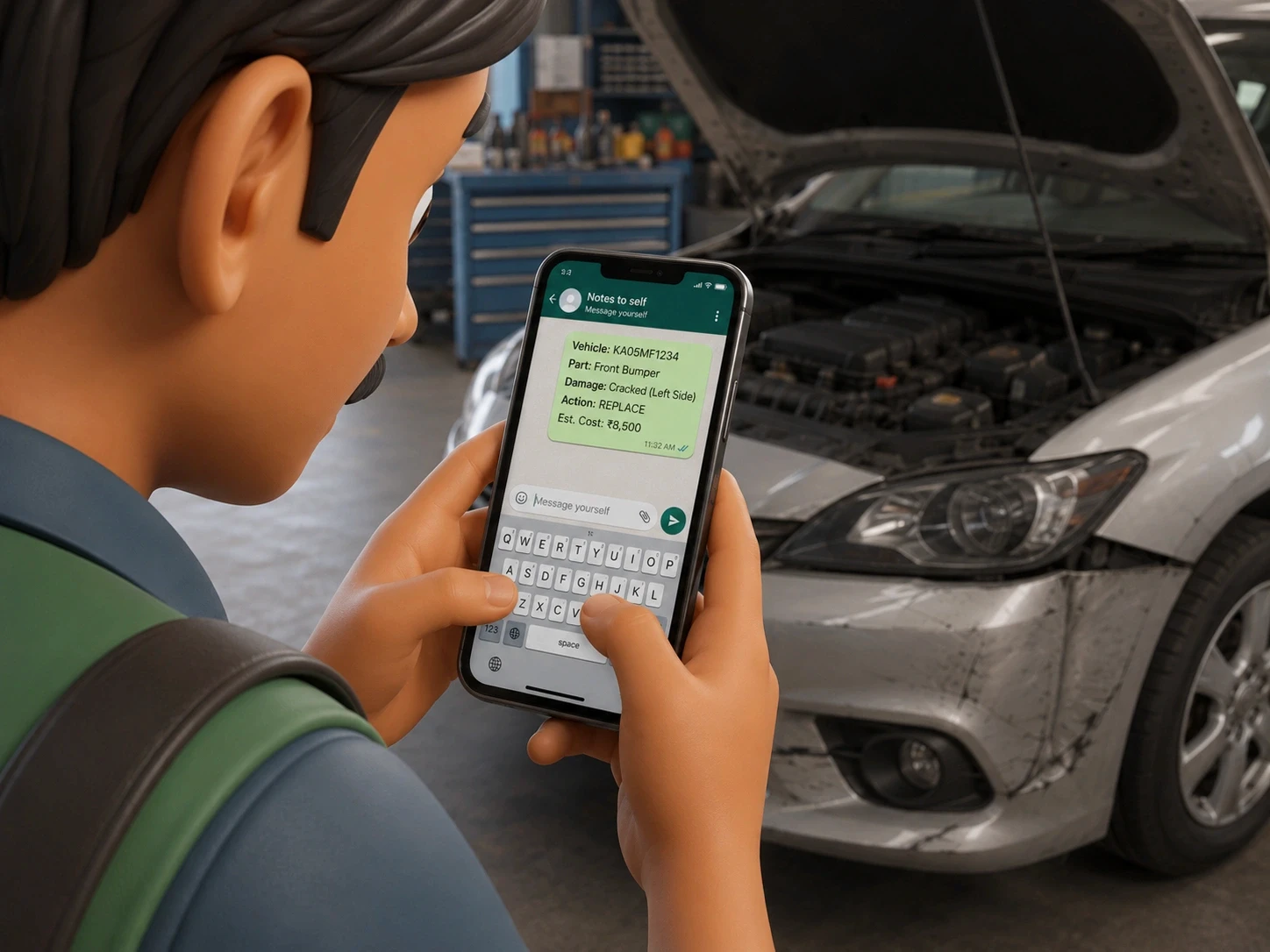
Surveyor uses Whatsapp to note the damaged part, job type, and estimated cost. He sends this info to himself to save it.
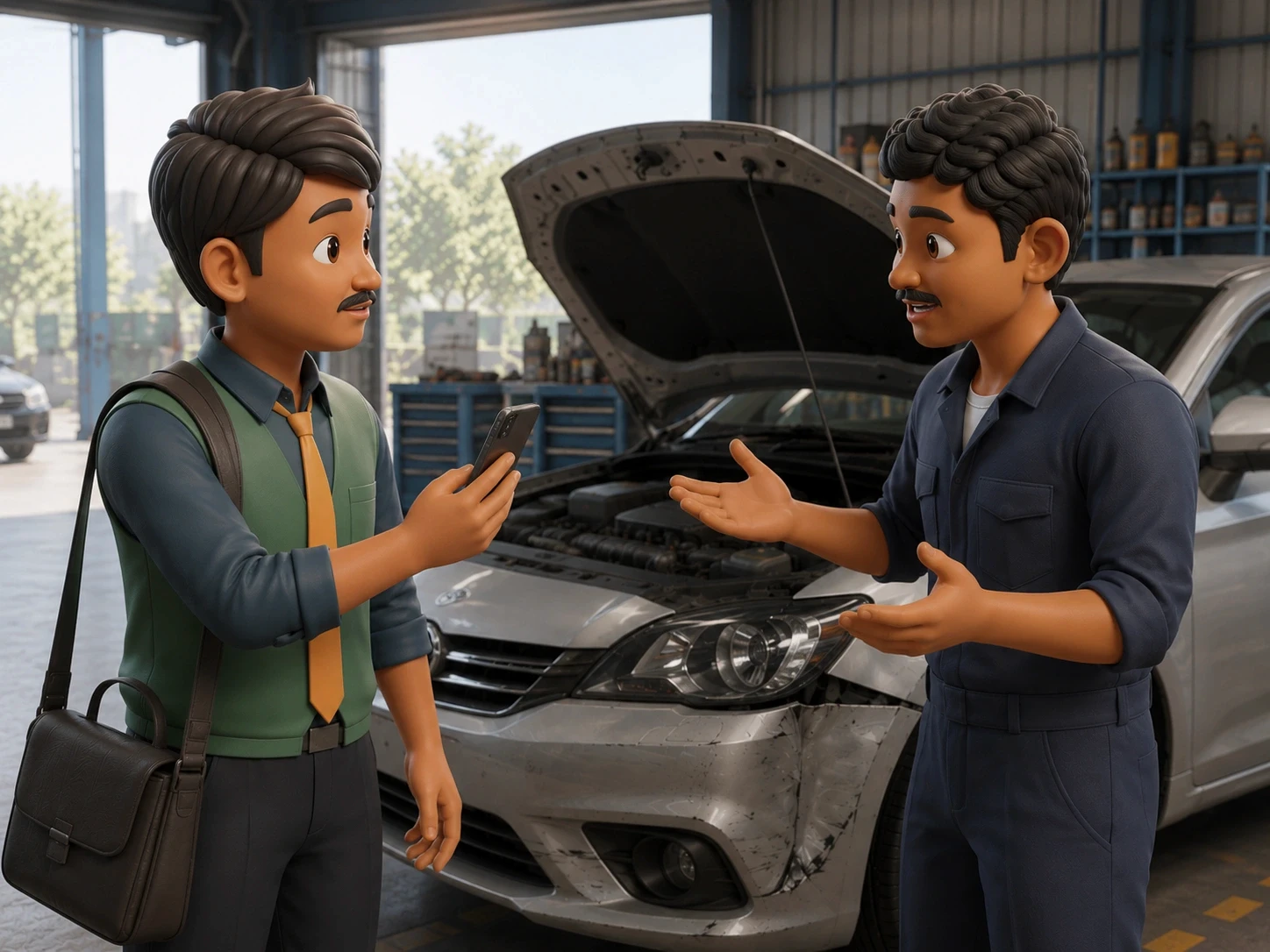
Surveyor and the workshop SPOC discuss the damage part by part, bargain and fix the pricing. Surveyor records this talk in his phone using Whatsapp or any voice recording app.
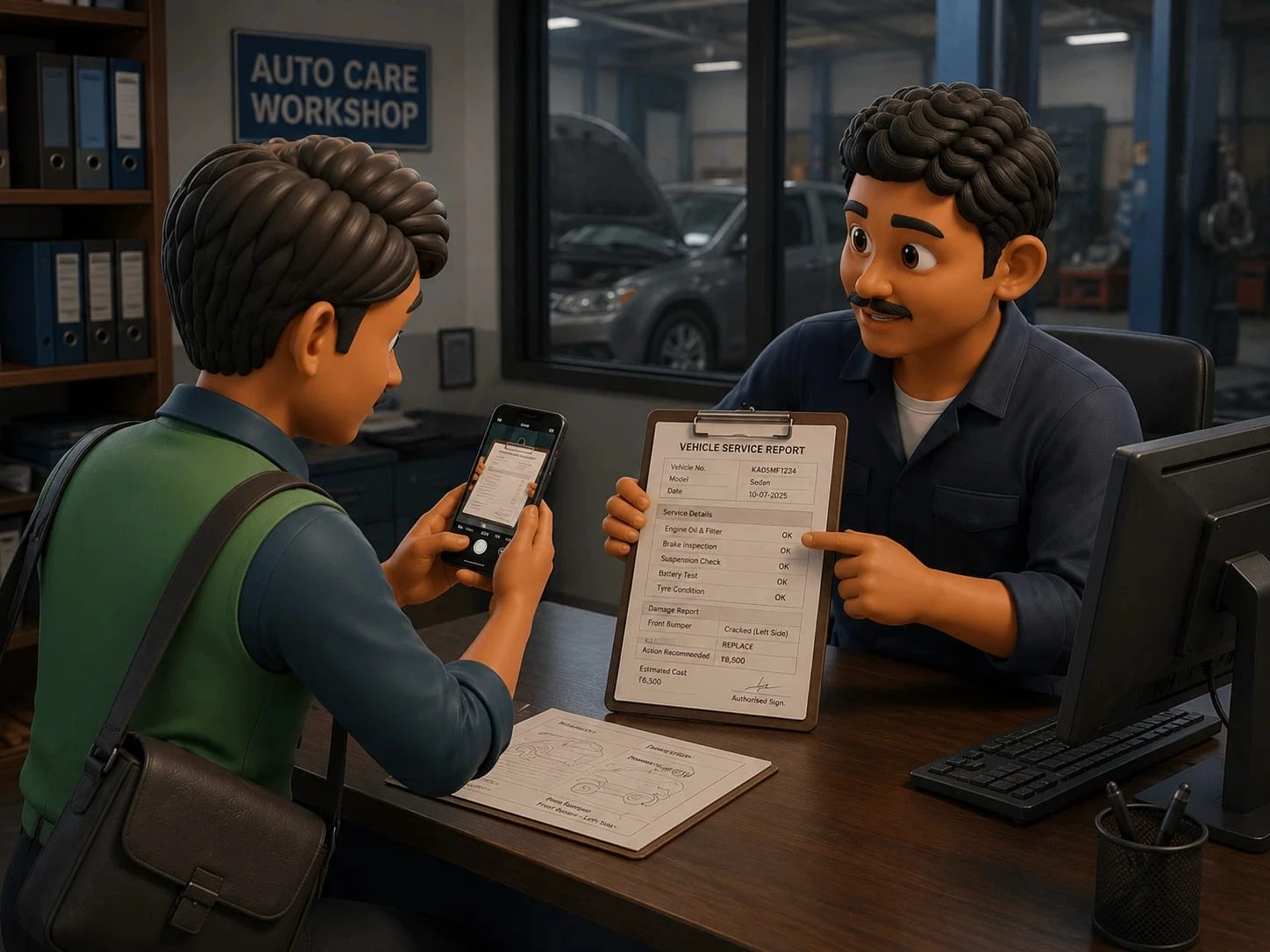
The workshop SPOC takes the surveyor to the office cabin to review the vehicle documents. The surveyor captures photographs of all the required documents for validation.

After completing the inspections at the workshop, the surveyor heads home to process the day's claims.

Surveyor sits at his desk, transfers the day's data from his phone to his laptop and uploads it all to the desktop portal.
2
insights GAINED from the research
01
The app only helped in assigning the claims. All actual field work happened outside it.
02
A surveyor completed around ~8 surveys a day, on average.
03
Surveyors had no visibility into workshop readiness before arriving. Sometimes vehicle wouldn't be ready or SPOC would be unavailable, wasting time before the survey even began.
04
Communication had leaked entirely outside the app. WhatsApp was the de facto channel for coordinating with garages, not because surveyors preferred it, but because its absent in the official path.
05
Surveyors built their own system over the years: specific angles and sequences, specific things to look for that hint at hidden damage or a staged claim. Those patterns lived in their head.
06
Every case ends the same way: manually 're-uploading' all the data to the desktop portal.
03 Problem
Insights to problems
Business Problem
Rising claim volumes and increasing case complexity demanded faster, more accurate field surveys. But the data coming in from the field was inconsistent and delayed, directly impacting claim settlement speed and customer satisfaction at scale.
User Problem
The survey workflow had no single source of truth, with no enforced flow, no structured data capture and no on-ground documentation. This created a fragmented, non-linear experience where critical information lived outside the system, decisions were undocumented and every survey required a separate reconciliation effort after the fact.
Business Goals
Reduce claim settlement Turn Around Time (TAT)
Improve data quality and consistency coming in from field surveys
Scale survey capacity without increasing headcount
Reduce errors and fraud risk through a structured and auditable on-ground process
User Goals
Complete the survey and submit documentation without leaving the field
Make decisions confidently on site without relying on experience alone
Spend less time per survey to handle more cases in a day
Ensure nothing is missed, duplicated or needs to be revisited later
04 Solution
WHAT NEEDED TO BE BUILT
1
Ideating possible solutions
The survey journey was mapped into five stages, where each goal, task, and feature was directly connected, ensuring every feature existed to support a real user task.

Goals
Tasks
Functions
2
PRIORITISING WHAT TO BUILD
Now, these ideated features needed to be filtered out and prioritised according to the business importance, tech feasibility, time-requirement.
So, each feature was then tagged under one of four categories:
OUT OF SCOPE
Features that fell outside the defined project boundary and were not considered for this build.
PHASE 1
Features approved and feasible for the first build, directly addressing the core problem.
SIMILAR TO DESKTOP
Features already existing in the desktop version that could be referenced or carried over.
DISCARDED
Features that can't be developed due to time or resource constraints.
05 Challenges
Designing within constraints
Explore the major project constraints by selecting each tab:
Scope Prioritisation
Moving Business Requirements
Designing at Agile Speed
Respecting Existing Mental Models
Working within Product Boundaries
Constraint
Research uncovered usability issues across multiple stages of the claims journey, but many fell outside the scope and were pushed for future releases by the business.
How I handled it
Prioritized high-impact improvements within the approved scope while documenting Phase 2 recommendations for future implementation.
06 Final Design
The new survey app
1
Motor Claims Landing page
The claims dashboard is first redesigned in order to create an entry point for the further flow. Due to this, now surveyors can quickly find the right claim, understand its current stage, and take action without scanning unnecessary information.
Click to see the old screen


1
Motor Claims Landing page
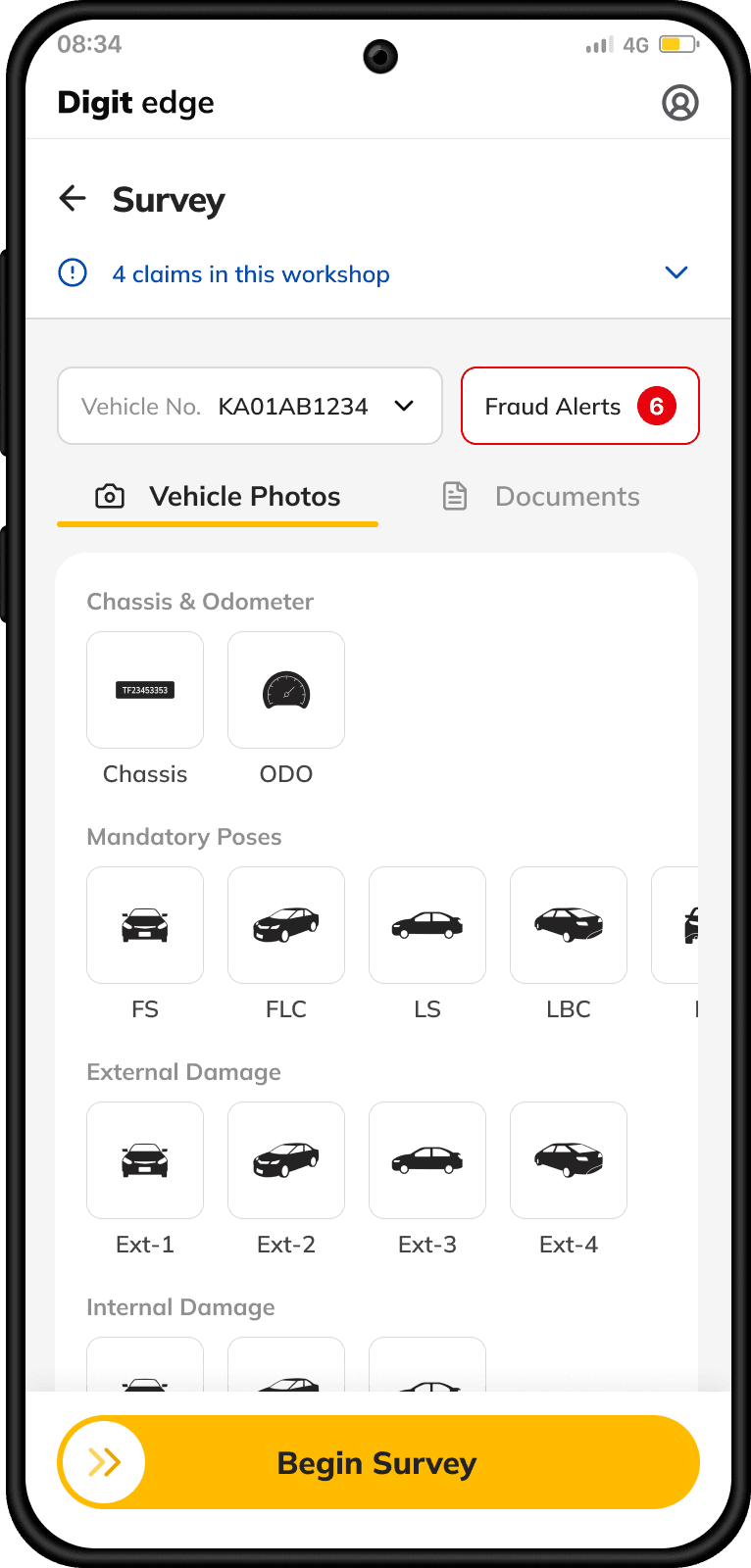
The journey now begins with a dedicated home screen that surfaces key claim information, fraud alerts, and inspection context, helping surveyors start every inspection with the information they need.
Reworked the dense information layout into compact claim cards, surfacing only the details needed to identify and act on a claim.
Introduced prominent status tags so the current stage of each claim can be understood at a glance.
A universal search is not hidden anymore. Sorting and Filters are added, making it easier to narrow down a large claim list.



Begin Survey

KA11CD9811
BH02CD9012

KA05MN5678
KA01AB1234
Begin Survey

Solution 2
Claims are organised by their current survey stage, allowing surveyors to quickly narrow down the list and focus on the cases relevant to them.
Problem it solves: Surveyors needed a quicker way to identify which cases were ready for the next step.
Solution 3
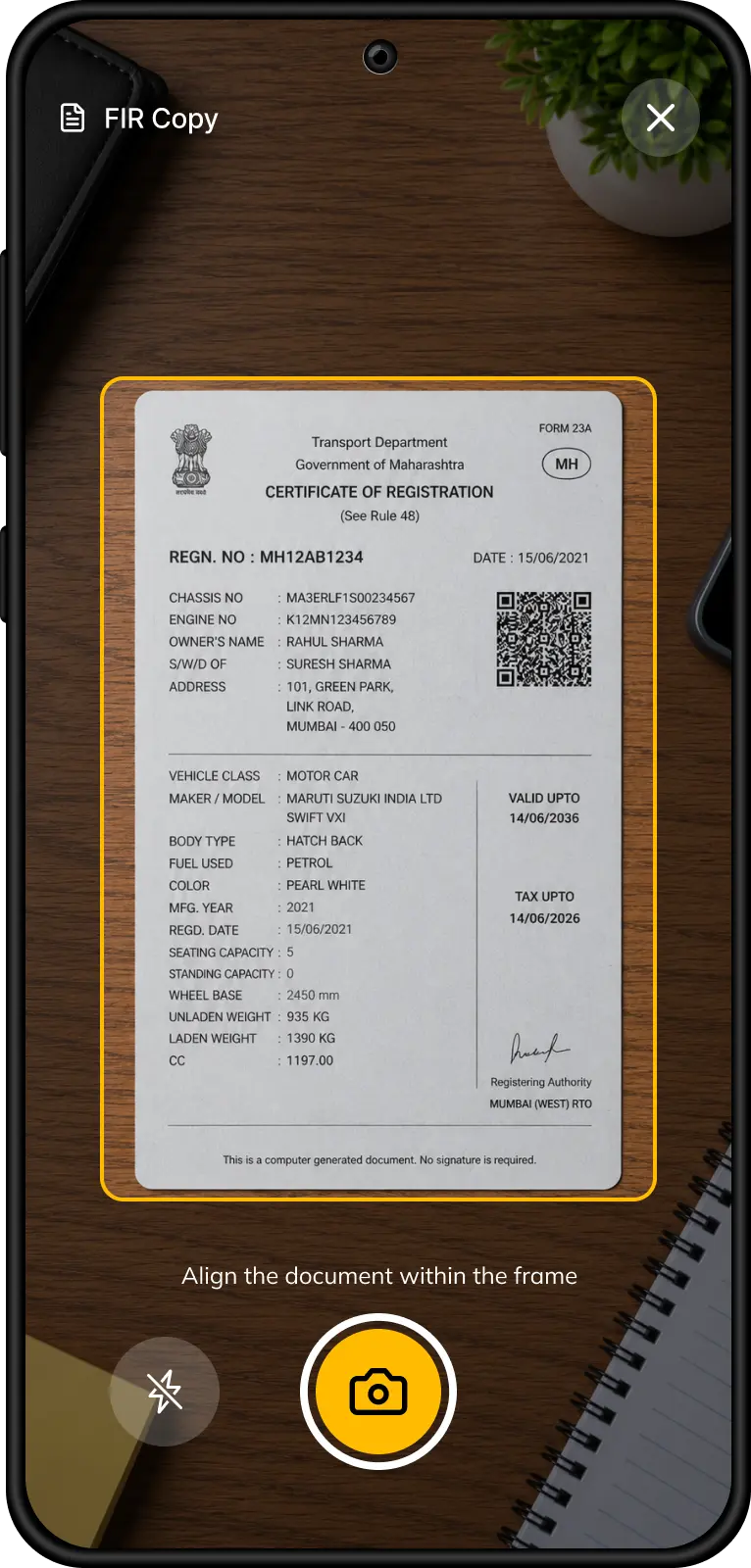
Document capture is independent of the survey flow, allowing surveyors to upload documents before or after the inspection.
Problem it solves: Previously, document collection wasn't part of a workflow, some surveyors would collect it, others wouldn't, resulting in an inconsistent and less predictable survey process.
Solution 1
Other claims from the same workshop are accessible directly from the survey screen, allowing surveyors to move between cases without returning to the claims dashboard.
Problem it solves: Previously, surveyors had to manually ask the workshop about other pending claims to avoid making multiple visits to the same location.
2
A Guided Survey Workflow
The survey process is designed into a guided three-stage workflow that standardizes evidence capture without disrupting existing surveyor workflows.

Stage 1: Vehicle Authentication
The survey starts by capturing the chassis number and odometer. AI validates both against policy records in real time, flagging mismatches before the inspection begins.
Problem it solves: Previously, surveyors manually verified vehicle details using policy documents, making authentication slower.


Stage 2: Guided Vehicle Capture
Surveyors capture mandatory vehicle poses from predefined angles, ensuring every inspection follows a consistent evidence collection process.
Problem it solves: Previously, surveyors captured vehicle photos without guidance, leading to inconsistent coverage and image quality.
Flexible Capture Sequence
Senior Surveyor who have their pattern can capture photos in any sequence they're comfortable with, while AI automatically classifies each image into the correct category.
Why it matters: New surveyors receive guidance, while experienced surveyors retain their existing inspection habits.
Stage 3: Damage Documentation
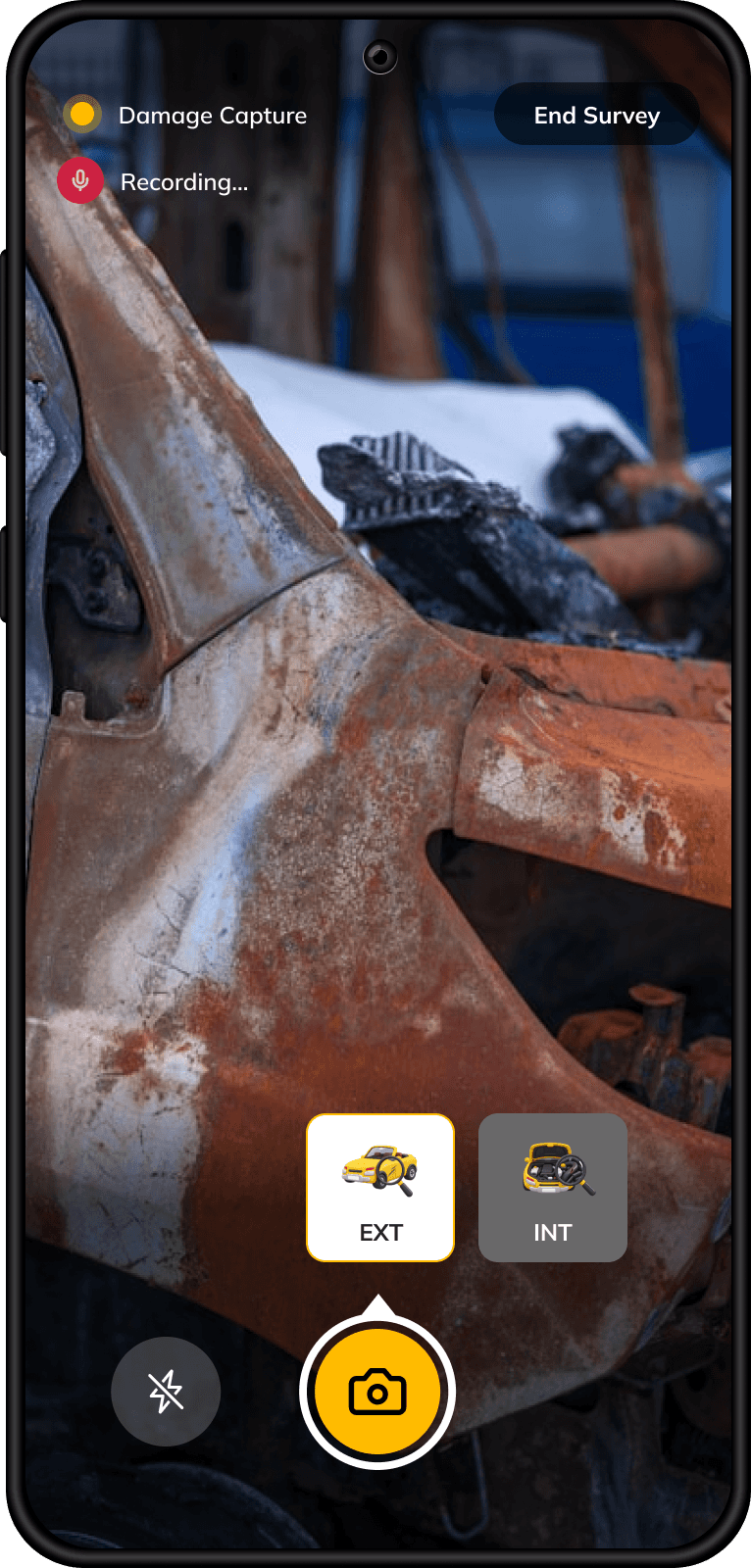
Once the mandatory vehicle captures are complete, surveyors shift their focus to documenting damaged areas in detail and zoom.
Problem it solves: Separating vehicle and damage capture creates a more focused inspection and reduces missed evidence.
Audio recording starts during damage capture, recording the discussion between the surveyor and workshop representative about repair requirements and pricing.
The conversation is transcribed and used by
AI in the next stage to generate more accurate repair and replacement recommendations.
3
AI-Assisted repair decisions

Manual and voice entry allows surveyors to quickly add any component AI misses.
Solution 4
AI analyzes captured images and repair discussions to identify damaged parts and suggest repair decisions.
Instead of creating assessments from scratch, surveyors simply review and edit AI suggestions.
Problem it solves: Previously, surveyors noted repair decisions in apps like WhatsApp or Notes before logging them in the desktop system, duplicating effort.

In the last stage, Surveyors finalise repair pricing directly at the inspection site. The first repair order is completed on-site, eliminating the need to recreate it later on the desktop.
Solution 5
Damaged parts are grouped by vehicle panels, helping surveyors review one section at a time instead of navigating a long list.
Problem it solves: Makes large damage assessments easier to review and navigate.
Solution 6
AI uses the recorded repair discussion to pre-fill pricing fields, reducing repetitive manual entry during final assessment.
Problem it solves: Eliminates manual data entry while keeping repair pricing aligned with workshop discussions.
07 Impact
The outcome
Quantitative metrics (time-on-task, adoption, error catch rate) are currently being tracked and will be added here once available. Until then, here's what changed .
Fragmented Journey
One Guided Flow
Steps that used to live in disconnected pieces now move as one flow.
Desktop Follow-up
On-site Resolution
Issues that once required desktop follow-up can now be resolved on-site.
Manual Effort
AI-Assisted Workflow
What surveyors used to build by hand is now generated for them to review.
08 Learnings
What I Took Away
01
Not every problem you find is yours to fix. Knowing which ones you can solve at present and filtering out others is what matters.
02
Good UX doesn’t always mean standardizing behaviour. When established patterns work, preserving user autonomy can be the more effective choice.
03
Frequency disguises friction as habit. When a tool is used all day, every day, small annoyances stop feeling like problems and start feeling like "this is how it works".

OTHER WORKS
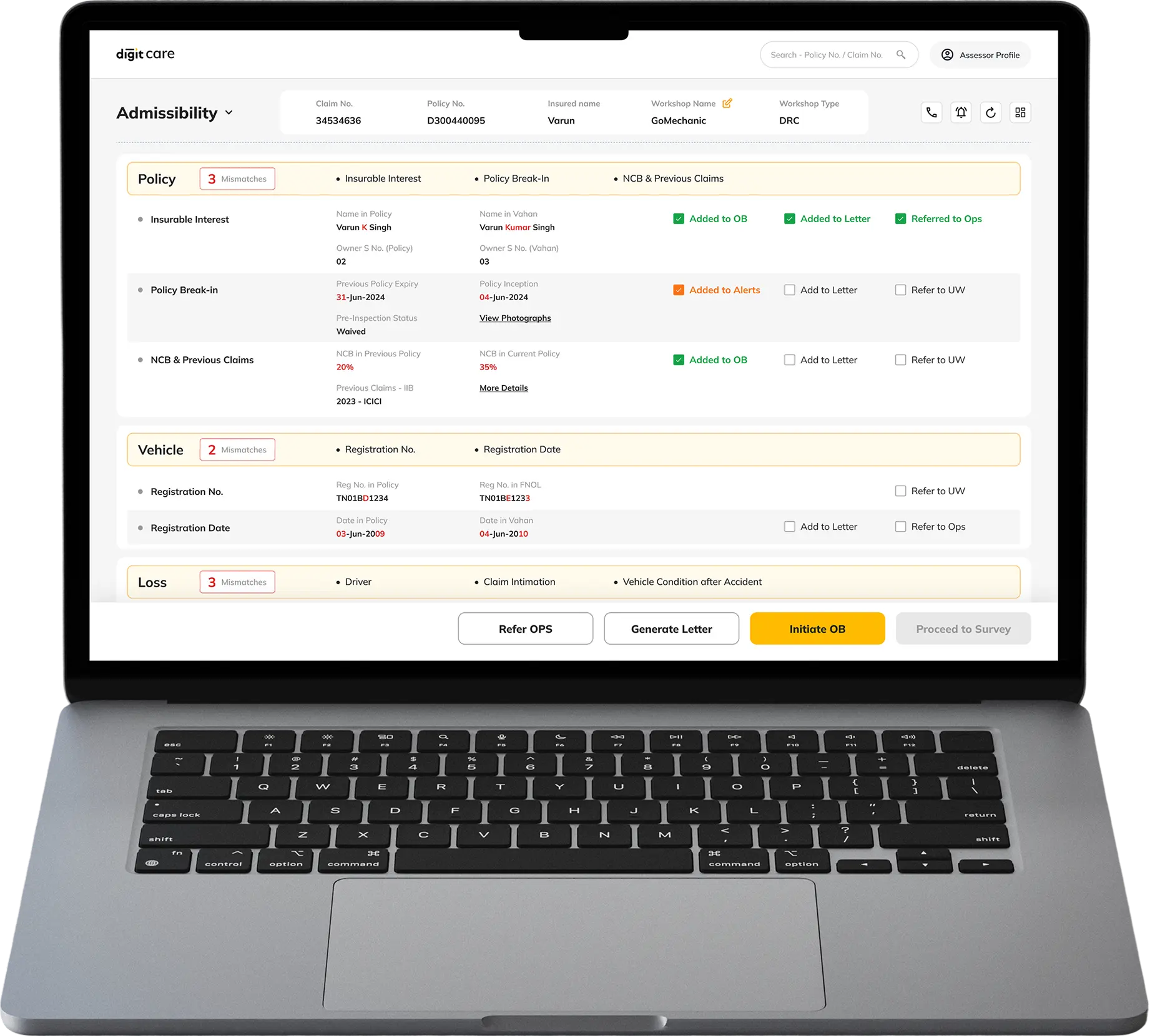
Admissibility Portal:
Redesigned claims verification tool, used daily by 400+ operations staff against an inflow of avg. 70,000 claims per month.
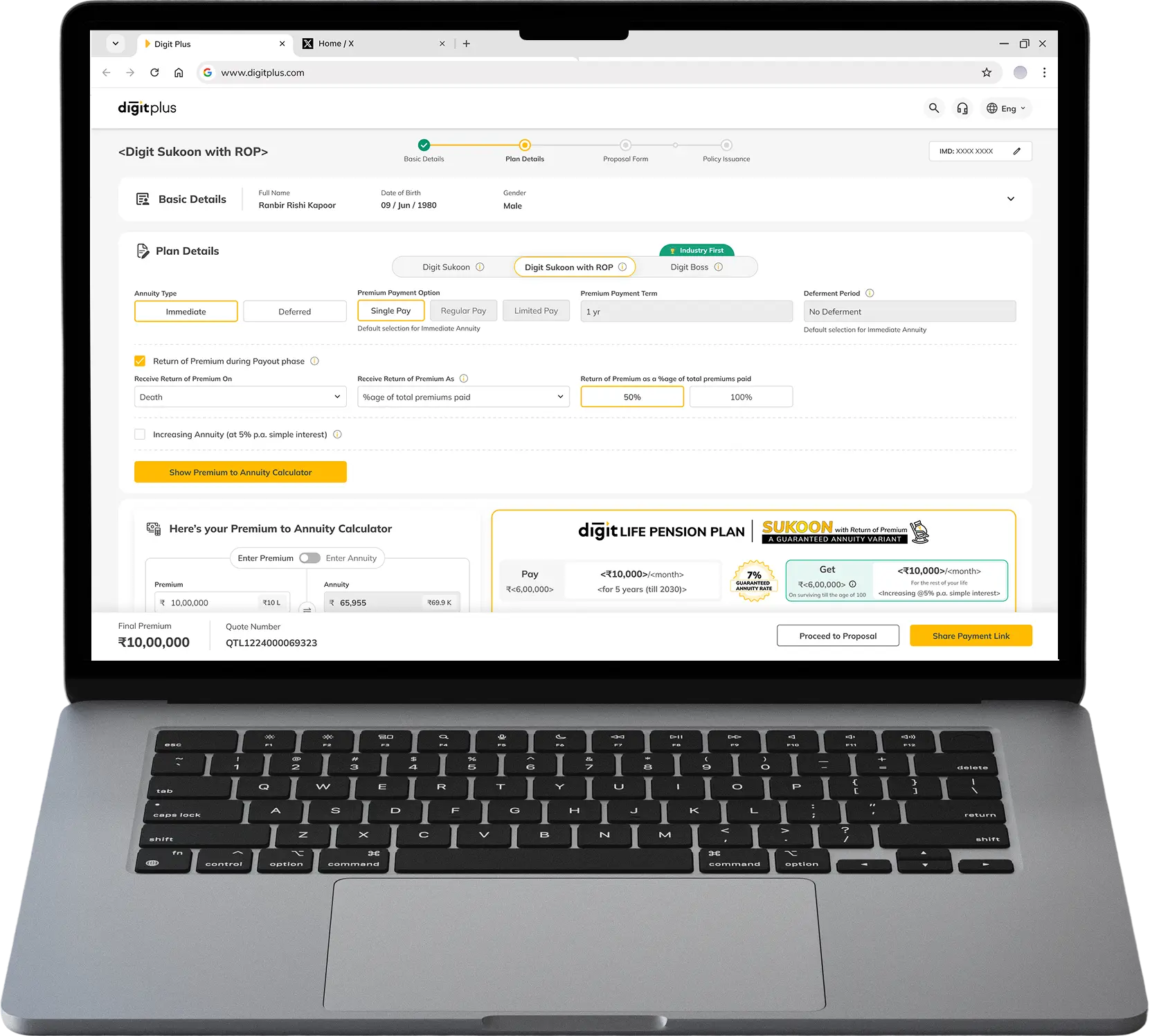
Annuity Life Insurance Product
Digit's another LI product, designed from the ground up for agent channel which brings 95% of the business for company.
Coming Soon